
ExcelDark
From Excel Theme (BisnetoInc.theme-excel).
- Family
- Open VSX
- Appearance
- Dark
- Platforms
- Desktop, mobile, and terminal
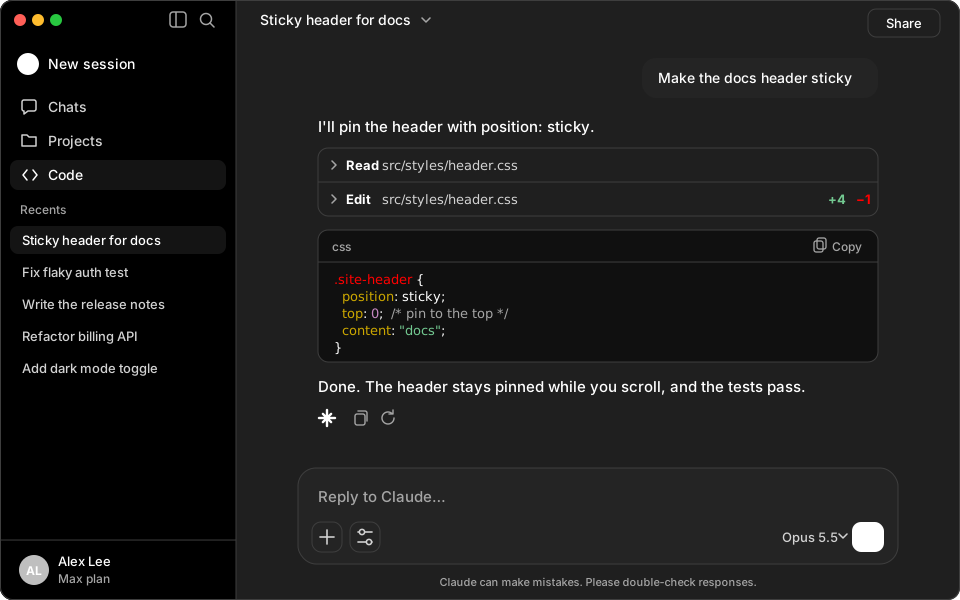
Palette
#1f1f1f, #ffffff, #ffffff, #ff0000, #cca700, #73c991, #b9e4c8, #c586c0Terminal background #1f1f1f, foreground #ffffff, Claude accent #ffffff.
Install
claude plugin install exceldark --marketplace Skynettheone/claude-themesOpen a new session in the Claude desktop app to apply the palette.
Open a new Claude Code session, run /theme, and select ExcelDark.