
GitHub Light High Contrast
The strongest light contrast in the family, with near-black text and stronger borders.
- Family
- GitHub
- Appearance
- Light
- Platforms
- Desktop, mobile, and terminal
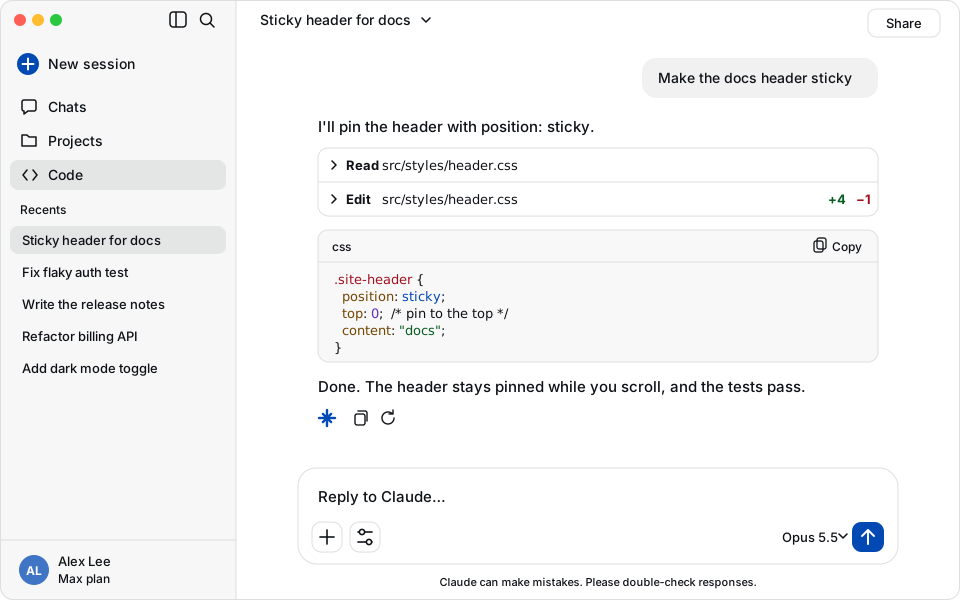
Palette
#ffffff, #0e1116, #0349b4, #a0111f, #3f2200, #024c1a, #1b7c83, #622cbcTerminal background #ffffff, foreground #0e1116, Claude accent #0349b4.
Install
claude plugin install github-light-high-contrast --marketplace Skynettheone/claude-themesOpen a new session in the Claude desktop app to apply the palette.
Open a new Claude Code session, run /theme, and select GitHub Light High Contrast.