
Slack Dark Mode
Slack's own dark mode.
- Family
- Slack
- Appearance
- Dark
- Platforms
- Desktop, mobile, and terminal
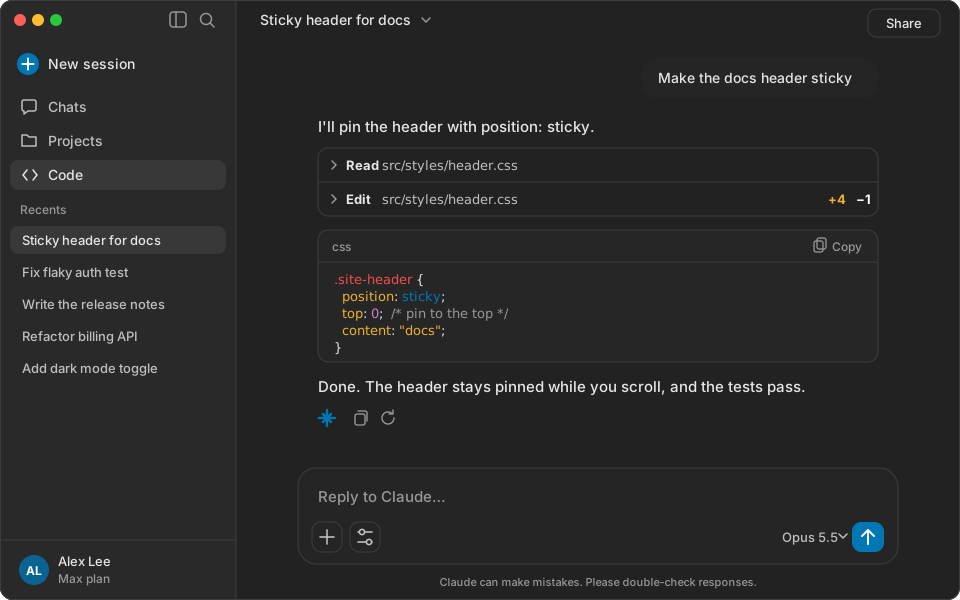
Palette
#222222, #e6e6e6, #0077b5, #f14c4c, #ecb22e, #ecb22e, #769472, #c586c0Terminal background #222222, foreground #e6e6e6, Claude accent #0077b5.
Install
claude plugin install slack-dark-mode --marketplace Skynettheone/claude-themesOpen a new session in the Claude desktop app to apply the palette.
Open a new Claude Code session, run /theme, and select Slack Dark Mode.